Get in touch
I'm always excited to take on new projects and collaborate with innovative minds.
Phone
Website
Address
🇮🇹 | 🇮🇳
I'm always excited to take on new projects and collaborate with innovative minds.
🇮🇹 | 🇮🇳
Create lifelike talking AI avatars from any photo using KDTalker — a powerful offline tool for realistic face animation with customizable voices. Step-by-step guide to install and use locally.
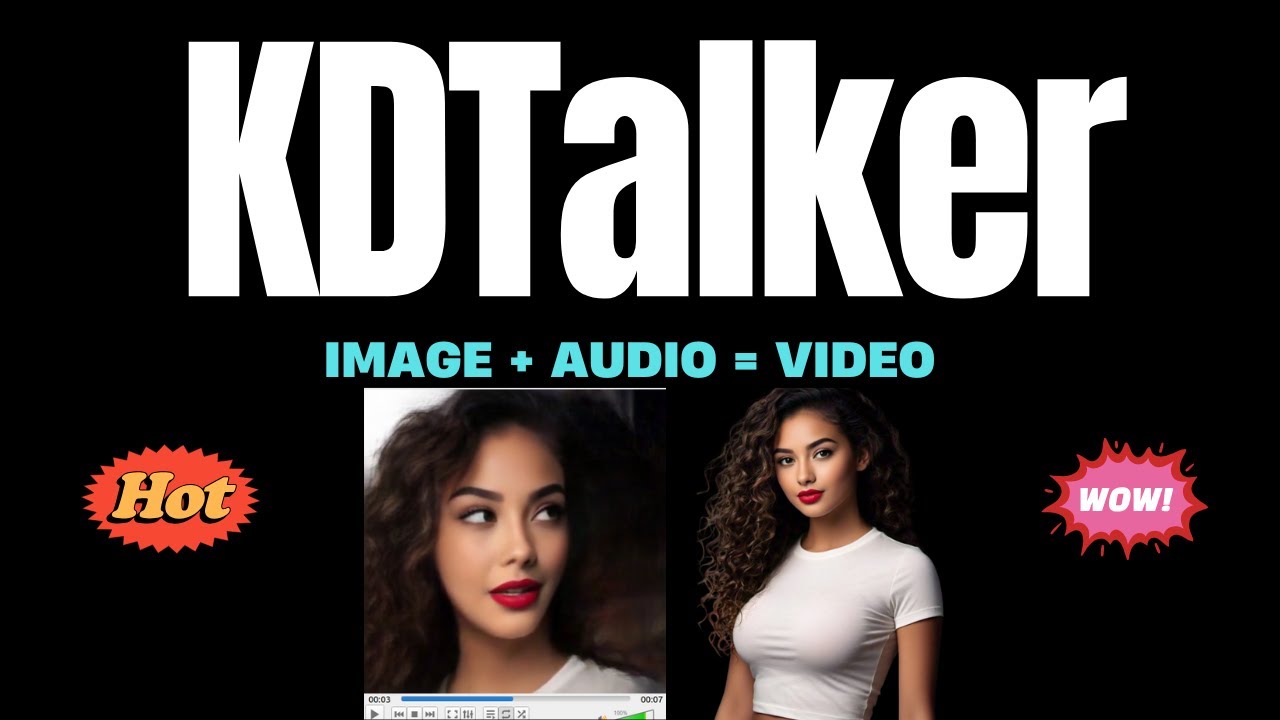
Ever imagined turning a static photo into a speaking AI avatar — right from your computer, no internet dependency? In this post, I'm sharing how KDTalker, a powerful local tool, helps you do just that. It’s all offline, privacy-focused, and insanely cool!
KDTalker is an open-source AI tool that brings single photos to life by generating talking avatars using only your local system. It’s based on AnimateDiff + TTS + Face Fusion models. No need to rely on cloud APIs — everything runs directly on your machine.
git clone https://github.com/zhanghaoyun/kdtalker.git
cd kdtalker
conda create -n kdtalker python=3.10
conda activate kdtalker
pip install -r requirements.txt
You'll need:
AnimateDiff modelsTTS models (e.g., Bark or XTTS)Face Alignment modelsAdd them in the appropriate folders as mentioned in the GitHub repo.
python app.py
Access at http://localhost:7860
Upload your photo, type your script, and hit generate!
Here's a sample of what it can generate:
Whether you're a content creator, AI enthusiast, or just want to animate a photo for fun — KDTalker is a must-try tool. It’s fast, local, and gives full creative control.
Download / GitHub Repo:https://github.com/zhanghaoyun/kdtalker
Post by Tharun Ramagiri
Your email address will not be published. Required fields are marked *